Grow light controllers get expensive quickly. Search “hydroponic timer” and the first page returns £150 units with dimmable channels, sunrise curves, and app-based scheduling that no small indoor grow actually needs. Meanwhile, an off-the-shelf smart plug sold as part of a home automation kit does 90 percent of what a real grow controller does, for about the price of two takeaway coffees.
This is not an argument that you should never buy a proper grow controller. It is an argument that you should not buy one first. A £15 smart plug is the cheapest way to learn what your plants actually want, and by the time you understand your setup, you know whether the extra £135 for a real controller would earn its keep.
What a smart plug can and cannot do
Most WiFi smart plugs (TP-Link Kasa, Meross MSS210, Amazon Basics smart plugs, Sonoff S26) will happily switch on or off on a schedule you set from a phone app. Common ratings: 10 A to 16 A, which covers up to about 2,000 to 3,000 watts (UK 230V) or 1,200 to 1,800 watts (US 120V). That comfortably runs any single LED grow light bar sold for home use.
What a smart plug will not do: dim the light, taper it up at “dawn,” ramp down at “dusk,” change the light spectrum by percentage across the day, or coordinate multiple lights on complex staggered schedules. If any of those matter for your plants, you need a real grow controller.
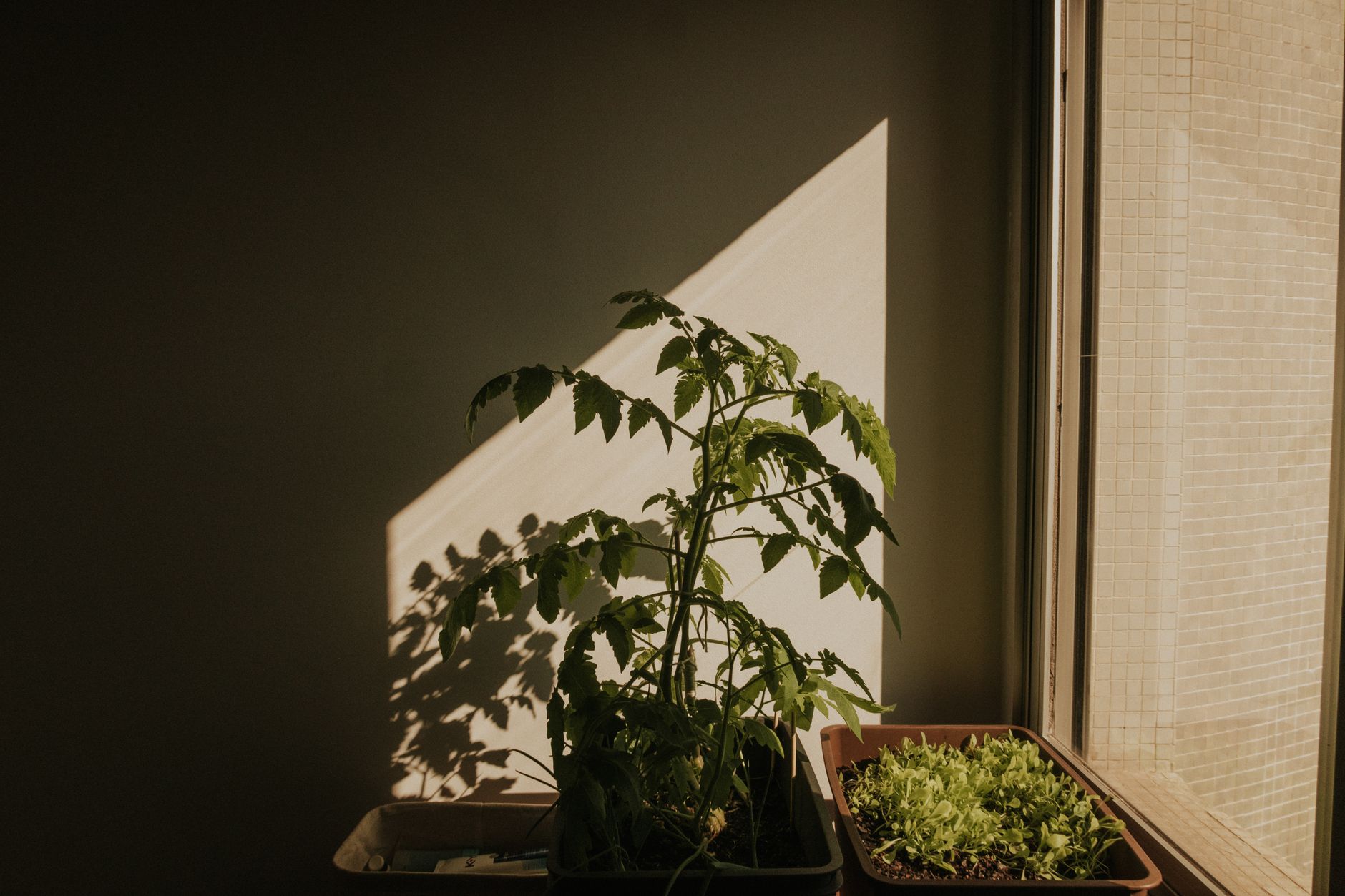
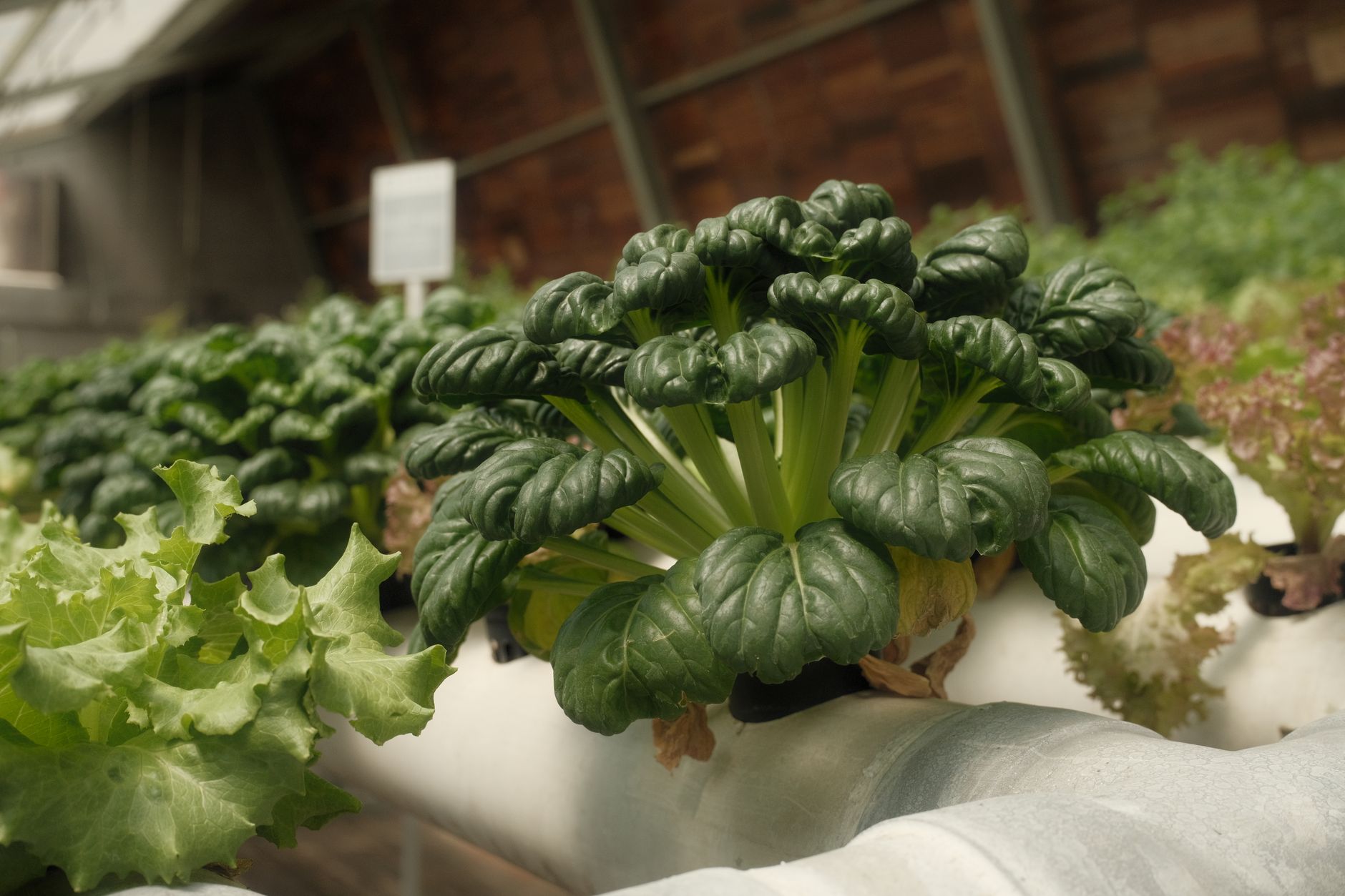
For an indoor lettuce shelf, a herb tent, a small microgreens rack, or a seedling table before spring transplant: none of those features matter. On/off scheduling is sufficient.
Choosing the right smart plug
- Wattage rating higher than your light’s draw, comfortably. A 32W LED bar on a 10A / 2,300W-rated smart plug is not stressed. A 400W flowering panel is at the edge of what most home smart plugs handle safely; check the rating.
- Local scheduling, not just cloud-required. Some cheap smart plugs need active internet to run their schedule (they check in with a server). If your home wifi is intermittent, look for a plug that stores the schedule locally on the plug itself.
- Physical on/off button on the plug. When you unplug and replug the light, you want to override the schedule from the plug itself, not the app.
- Third-party ecosystem support (optional). If you already use Home Assistant, Apple HomeKit or Google Home, buy a plug that works in that ecosystem rather than a proprietary one you will resent.
Photoperiod: the actual settings that matter
The single most important setting is total daily light hours (the photoperiod). Under-lighting stunts growth. Over-lighting stresses plants and wastes electricity. Guidelines that hold up across most home LED setups on leafy greens and herbs:
- Lettuce, salad greens, spinach: 14 to 16 hours per day. Any less and heads stay small; any more and bolting risk rises.
- Herbs (basil, coriander, parsley, mint): 14 to 16 hours per day for vegetative growth; drop to 12 hours if you want a slower, denser plant.
- Microgreens: 12 to 16 hours per day for the first week, then 14 to 18 hours until harvest to intensify colour.
- Fruiting crops (peppers, tomatoes, aubergines) in vegetative stage: 16 to 18 hours per day. In flowering, most home growers switch to 12 hours on / 12 hours off to trigger flower initiation.
Set the smart plug to turn on at a fixed time and off at a fixed time. Do not scatter the on-hours across the day; plants and their internal clocks work better with a single continuous “day” period.
Where to place the schedule in your household routine
A practical trick: align the light-on period to your household’s own evening presence, not the wall clock. If you get home at 18:00 and go to bed at 23:00, running lights from 08:00 to 22:00 means they are running most of your at-home hours. That has three benefits: you notice problems (fan not spinning, plant wilting) because you see the plants under light; you can water and inspect during “day” hours; and the light does not glow through the flat at 03:00, which is unsettling for anyone sleeping in the next room.
Household electricity in most of the UK and US costs less overnight if you are on a time-of-use tariff, and it is tempting to run the lights while cheap electricity is available. For a small setup drawing 30 to 60 watts, the tariff savings are pennies per day and rarely worth disrupting the plant’s own rhythm.
Sanity-checking your schedule with a cheap plug-in energy monitor
An in-line power meter (£8 to £15, sold as “energy monitor plug”) plugs between the smart plug and the light and shows real-time watts and cumulative kilowatt-hours. This tells you two things worth knowing:
- Whether the light is drawing the wattage the box claims (many cheap LED bars advertise “50 W equivalent” but actually pull 12 W, which is worth knowing before you plan a large planting).
- Your actual monthly running cost. A 32 W LED on for 16 hours per day = 0.51 kWh per day = 15 kWh per month. At UK £0.28/kWh, that is £4.20 per month. At US $0.15/kWh, that is about $2.30 per month. Numbers most households can budget for.
When to graduate to a real grow controller
Three signals tell you you have outgrown the smart plug: you want dimming (to reduce heat during warm weeks or extend bulb life), you want a “sunrise” ramp (relevant for fruiting crops that resent an abrupt switch-on), or you are running multiple lights on staggered schedules for different plants in the same tent. When any of those become real needs, a proper controller starts to earn its keep.
Until then, the smart plug is not a compromise. It is the tool that fits the job.
Further reading
Two authoritative resources we recommend if you want to go deeper on this topic:
Frequently asked questions